How to Create FREE Templates on reMarkable 100 Free

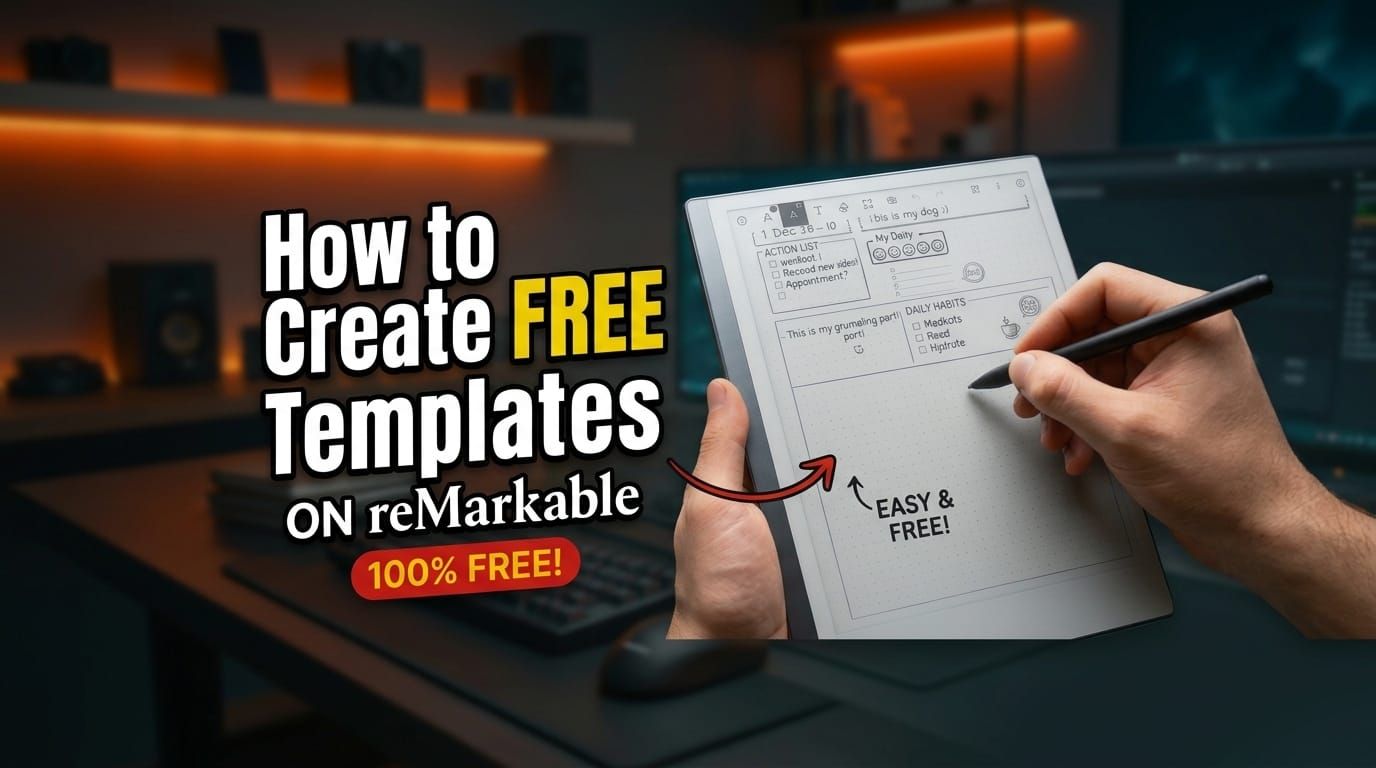
Everyone has different needs, and creating a custom template on the reMarkable is easier than ever. In my latest video, I show you how to build your own reusable layouts directly on your device, no third-party hacks or paid packs needed.
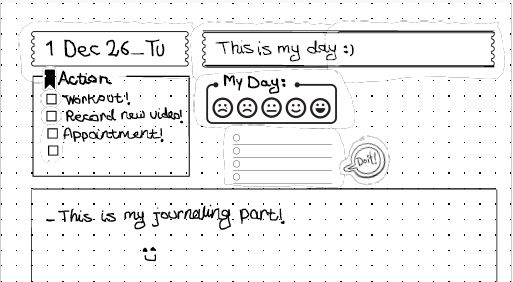
In the walkthrough, I start with a new note and use copy-and-paste shapes, icons, and borders to set up a daily journal with:
- A date box and one-line daily title
- A focused 3–4 item "Action List" with checkboxes
- A mood tracker, main journaling area, and daily habits section
- A separate layer for your text so you can clear your writing, duplicate pages, and reuse the clean template month after month (plus see how it syncs to the mobile app)
I decided to share this because having a clean, repeatable setup saves time and keeps things simple. If you want to follow along step by step and grab the free template and shapes I used, check out the video on my YouTube channel and subscribe if you find it helpful:
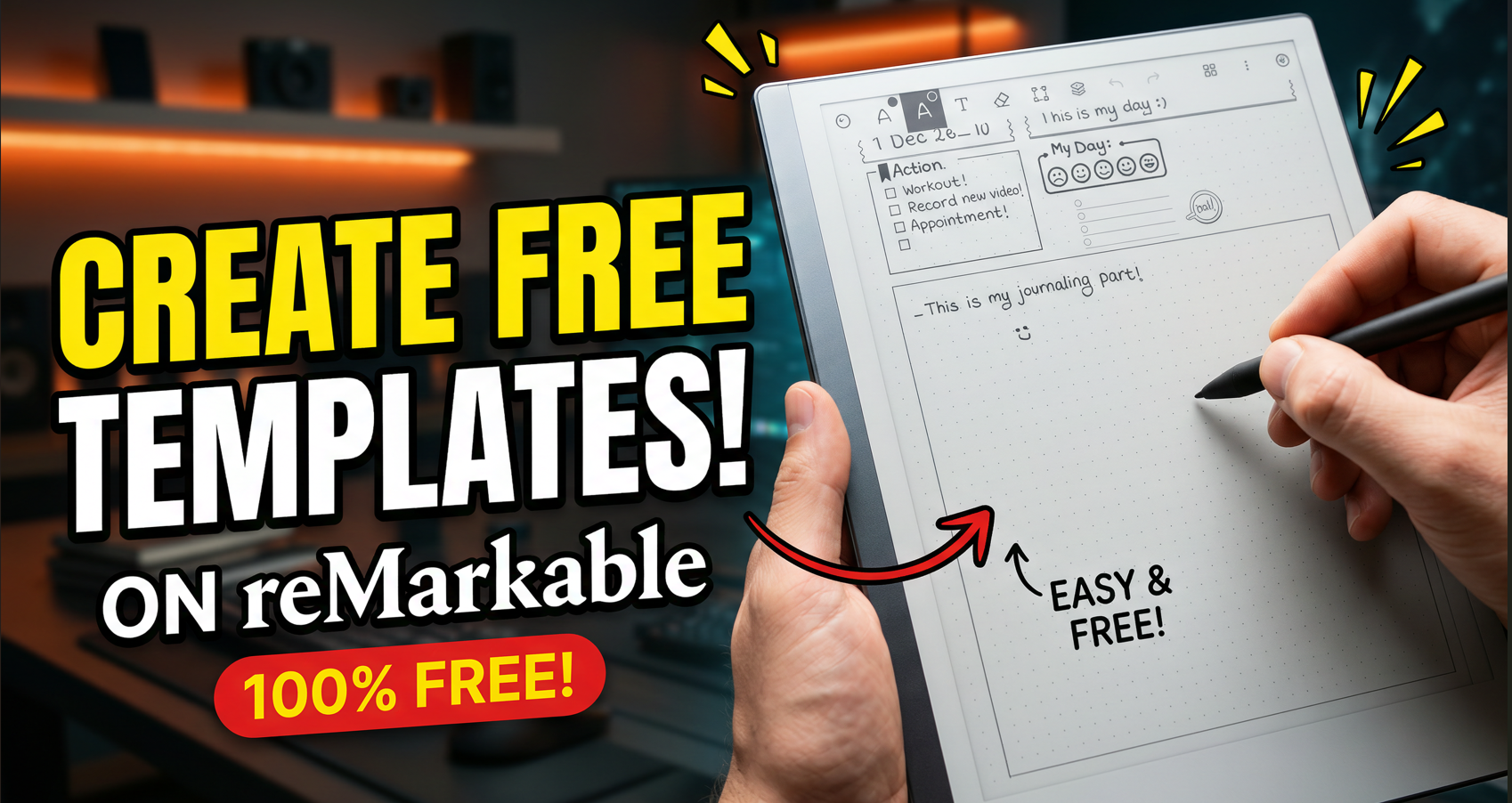
👉 Watch on YouTube: https://youtu.be/7tk2mEEc1cY
👉 Subscribe to GadgetTryLab:https://www.youtube.com/@GadgetTryLab?sub_confirmation=1
👉 Shapes & Icon Files for reMarkable: Download it from the below: